How to make a Perler bead pattern from a picture
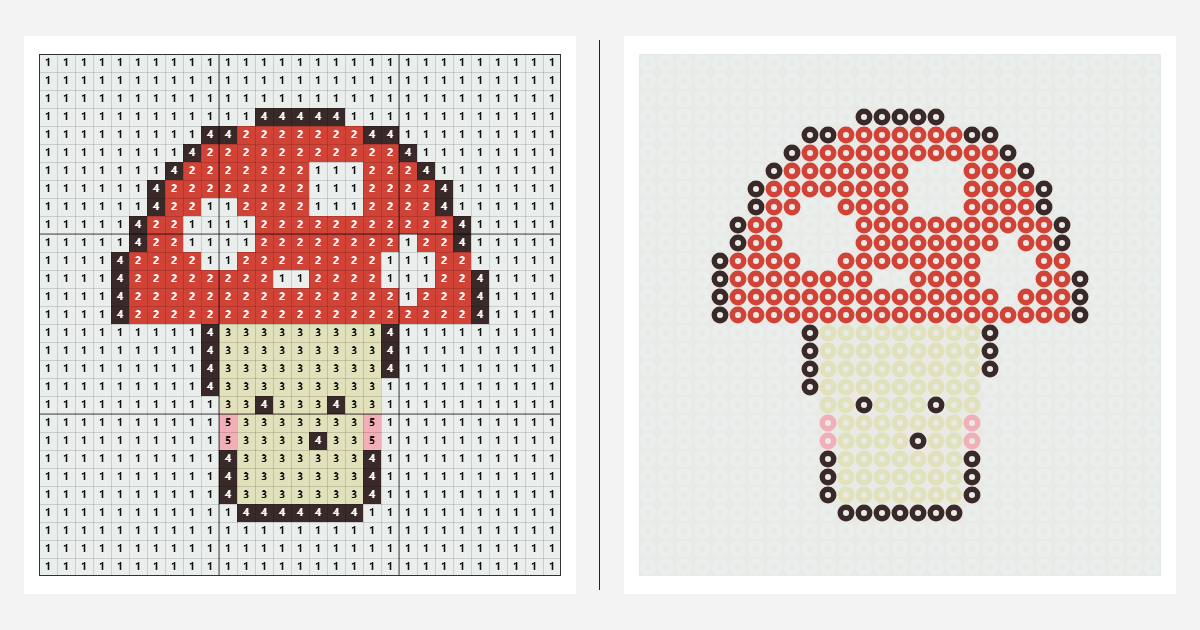
- Upload your image. Choose a file, drag it in, or paste with Ctrl+V. You can also “Try the sample”.
- Pick your beads and size. Choose your brand and width in Settings. Common square boards are 29 beads wide for 5 mm beads or 52 for minis. Check your board and set its size to match.
- Adjust the colors. Lower the “Color limit” for a simpler pattern, or use the editing tools to refine it.
- Download and start beading. Open “Export pattern” to save a PDF or PNG. The bead shopping list is included.
Supported bead brands and color charts
Each brand uses its own palette and color codes.
| Brand | Colors | Example code | First colors in the chart |
|---|---|---|---|
| Perler | 103 | 80-15179 (Evergreen) | |
| Hama Midi | 92 | H01 (White) | |
| Artkal S (5 mm) | 199 | S01 (White) | |
| MARD | 291 | A1 |
Tips for a better bead pattern
- Start simple. Clear outlines and simple backgrounds work best.
- Crop tightly. Crop your image before uploading to keep the focus on your subject.
- Use fewer colors. Try 8–16 colors to make sorting and assembly easier.
- Use Photo mode for portraits and pets. Photo keeps shading; Cartoon favors outlines and flat colors.
- Go bigger for detail. For more detail, try 58 beads across with 29-bead boards, or 104 with 52-bead mini boards.
Frequently asked questions
Is this Perler bead pattern maker free?
Yes. Create and download PDF or PNG patterns for free. No sign-up required.
Are my pictures uploaded anywhere?
No. Images are processed in your browser and stay on your device.
What size should my bead pattern be?
For a 29 × 29 pegboard often used with 5 mm beads, start at 29 × 29 or use 58 × 58 for four boards. For a 52 × 52 mini-bead board, use 52 × 52 or 104 × 104. Check your actual board and set its size in Settings; board guides follow that setting.
How many beads do I need?
The color key counts the beads needed for each color. This shopping list is included in every PDF and PNG.
Can I use Hama, Artkal or MARD beads instead of Perler?
Yes. Choose your brand in Settings. The pattern updates using that brand’s palette and color codes.
How do I print my bead pattern?
Open “Export pattern”, choose PDF, then download. For larger patterns, choose one page per pegboard. Choose Fit to page when printing. Use the chart as a reference, not as a life-size pegboard template.
Why don’t the colors match my beads exactly?
Screen colors and plastic beads can differ. Our palettes use community-measured colors. Check against your beads and use Replace to swap a color if needed.